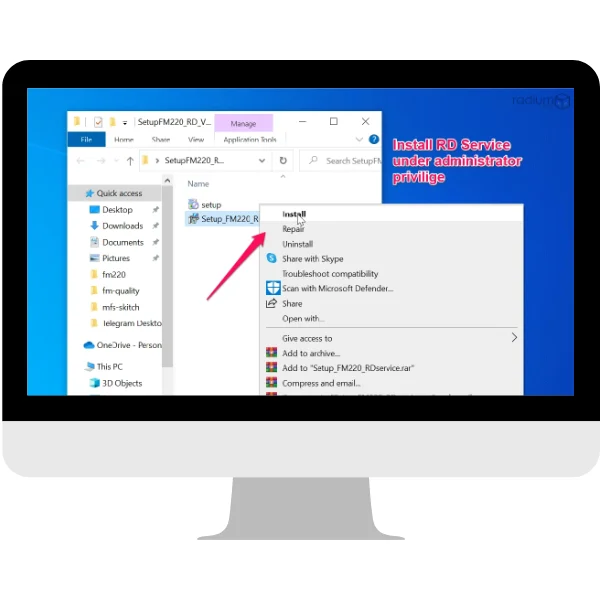
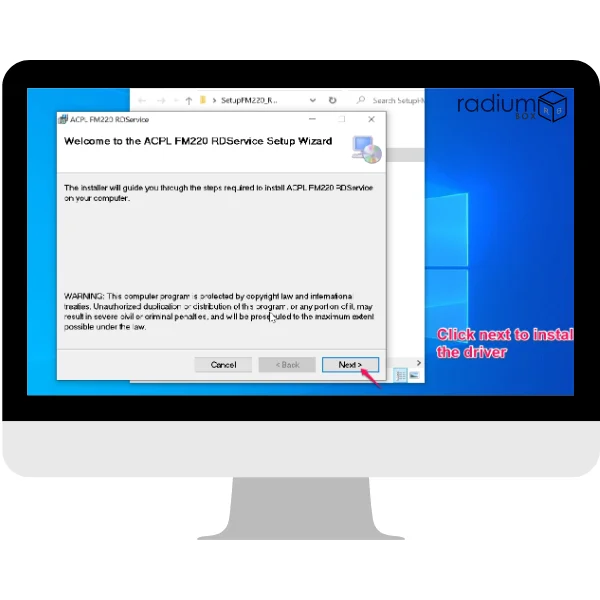
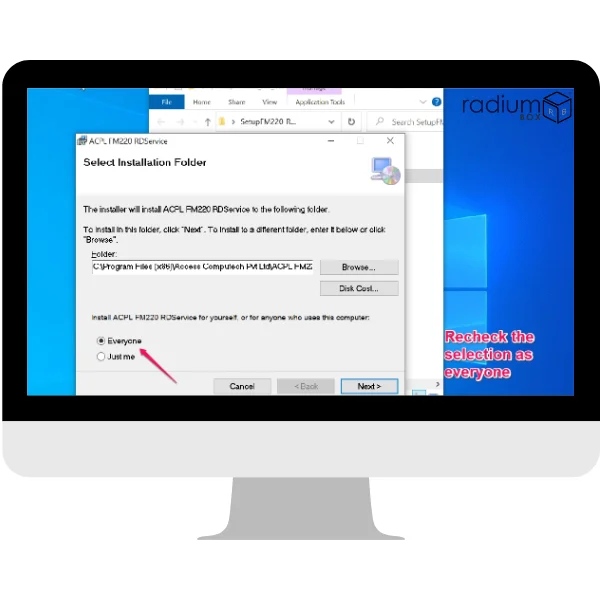
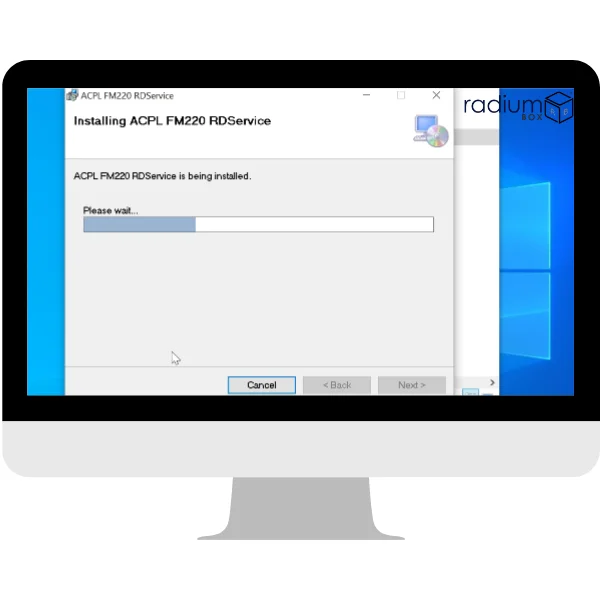
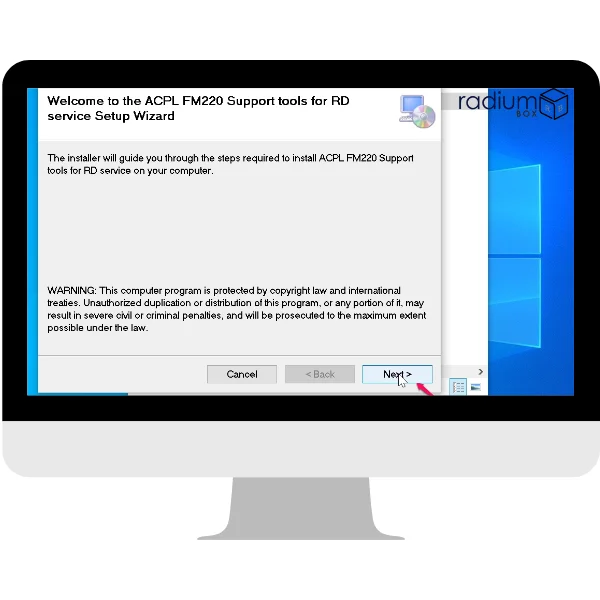
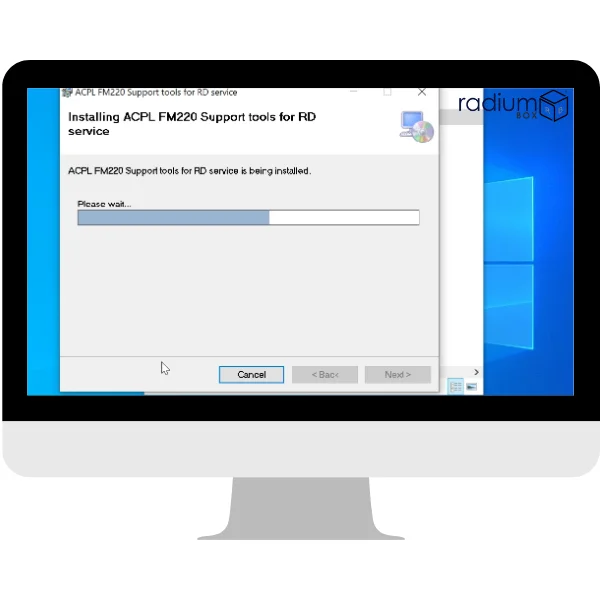
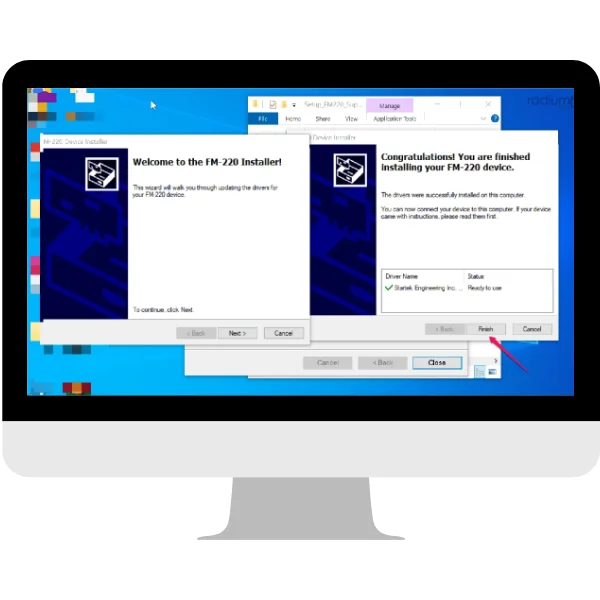
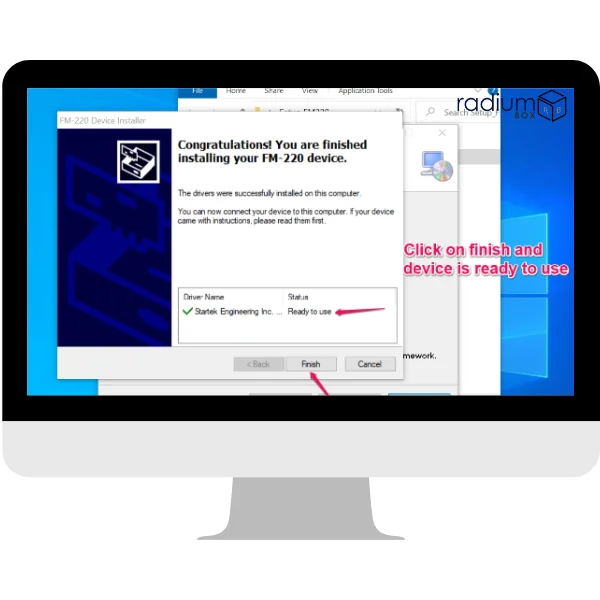
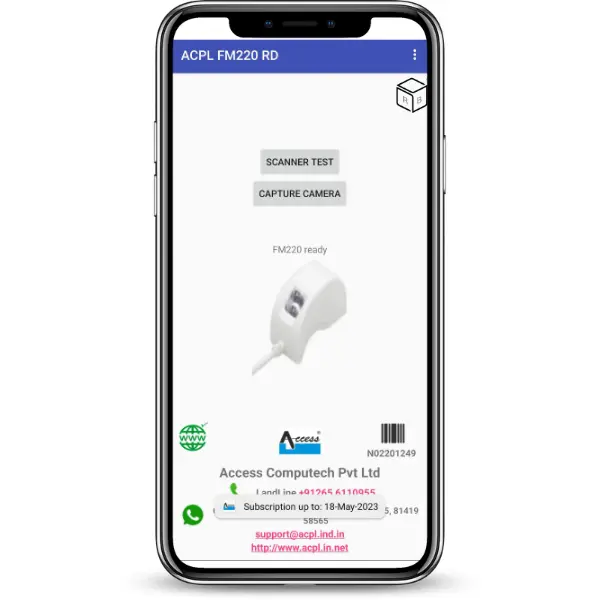
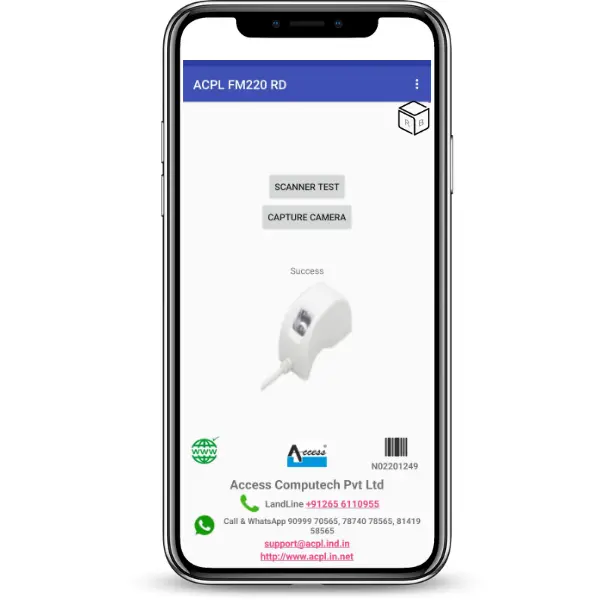
Download the Access Startek FM220U L1 RD Service driver on Windows & Android, for seamless integration with the Aadhaar Authentication API 2.5 and E-KYC API 2.5 and for secure biometric identification. The driver is easy to install in your system and it assures good performance during setup. The Access FM220U fingerprint scanner is STQC-certified and the RD Service software supports all government and financial applications such as Ayushman Bharat, PM SVANidhi and Fino Bank (Branch Use Only). The RD software is also compatible with Android devices as well, providing flexibility within the fields and remote authentication. Rdservice.in provide a complete set of RD drivers and updates along with tools to assist the process of installation. To download the Startek FM220U L1 RD Service software on Windows or Android, click on the following link.
Compatibility
Windows 10 / 11
32-bit & 64-bit

Android 7+
All major manufacturers
USB Connected
Plug & play support
UIDAI Ready
STQC certified device
The Access FM220U RD Service offers the most efficient Aadhaar-based secure fingerprint authentication. The gadget, being fully in compliance with Aadhaar authentication API 2.5 and E-KYC API 2.5, ensures accuracy at its best and delivers fast processing. For performance to be ensured at its optimal, it is mandatorily required that the driver setup will have to be downloaded and installed.
This is the latest version of the Access driver FM220U (L1) RD Service. This Aadhaar-based fingerprint authentication device is highly secured, fast, and wholly compliant with the Aadhaar authentication API 2.5 and E-KYC API 2.5. It ensures the most accurate process along with maximum processing speed. To make it work, a computer would require downloading and setting up the driver setup for your computer.
Start with maximizing your experience of the support tools to test all RD drivers for the application at hand. You can start with new devices. Startek FM220U RD Service Software download links are available for both Windows and Android. Do remember that your computer will always work on updated software so you can enjoy the services that come with Aadhaar authentication.
Features and Compatibility
Platform Support:
Windows 8 (32-bit & 64-bit)
Windows 10 (32-bit & 64-bit)
Windows 11 (32-bit & 64-bit)
Usage and Applications:
Versatile Applications: Ideal for diverse tasks such as aid distribution tracking, bank transactions, and welfare management.
Mobile Supports: The device supports all android applications. What adds to this support is also that it supports Aadhaar eKYC and even activation of SIM.
Ease of Use:
it is accompanied by an easy PDF install guide
The application is versatile, and deployable in diverse industries cutting across banks, welfare and even Telecoms.
Download Access FM220U RD Service for Windows: Compatible with Windows 8, 10, and 11.
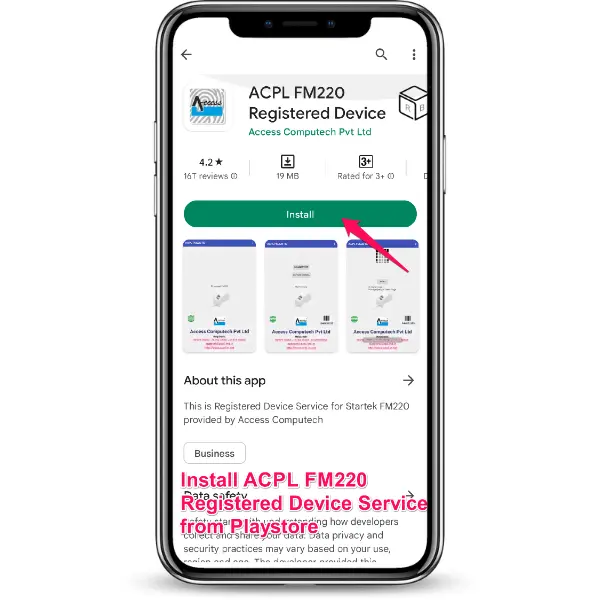
For Android: Install the Startek RD Service Software to enable mobile biometric authentication.
Keep Software Updated: Regularly updating your system software and drivers will ensure smooth Aadhaar authentication and the best performance from your Access FM220U (L1) device.
For a comprehensive experience, download the updated Startek drivers for both Windows and Android. By keeping your Startek FM220U RD Service driver up-to-date, you ensure a seamless integration and maximum security across all supported applications.
Right-click the ACPL FM220 Registered Device Tools, and choose Test Capture from the context menu. In the pop-up message, a small window will appear with a "Capture Finger" button to complete the test.