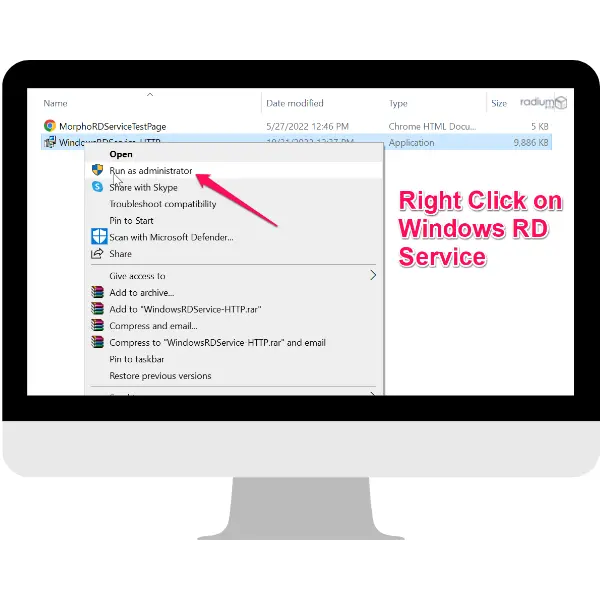
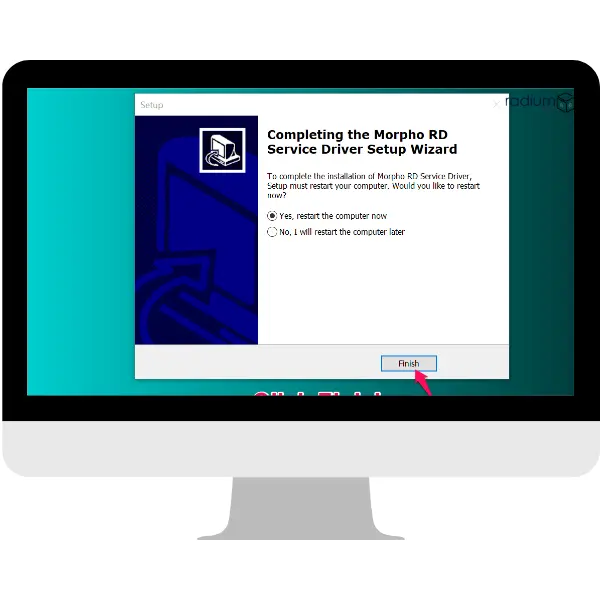
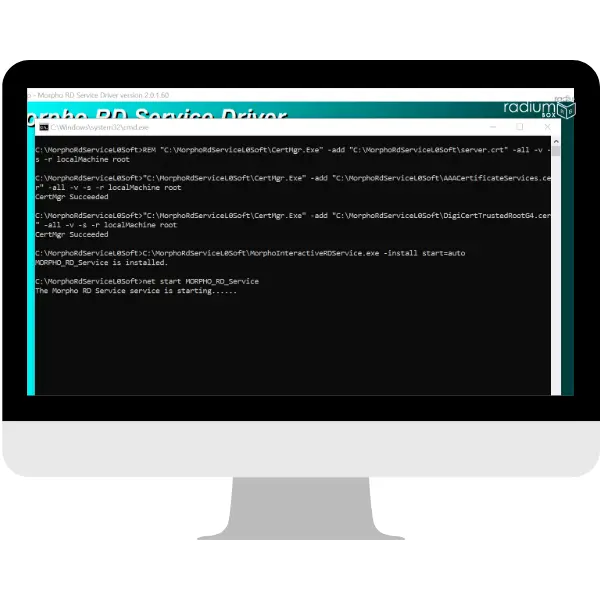
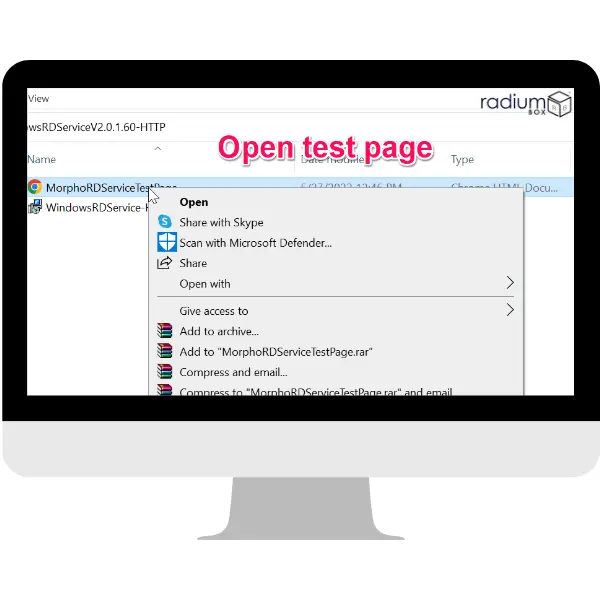
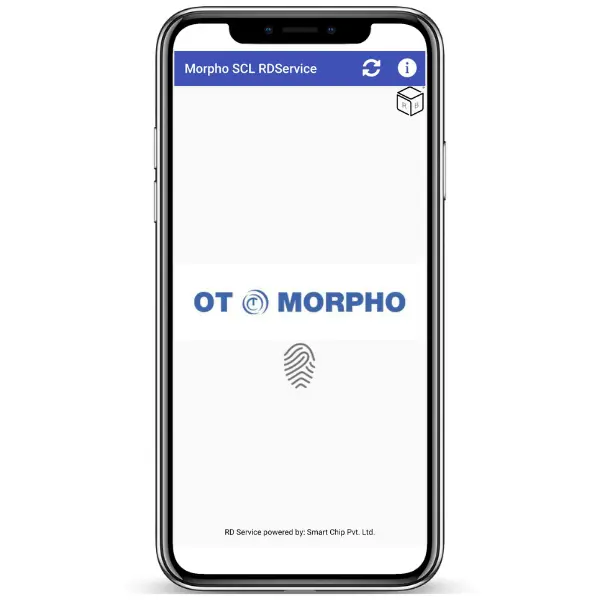
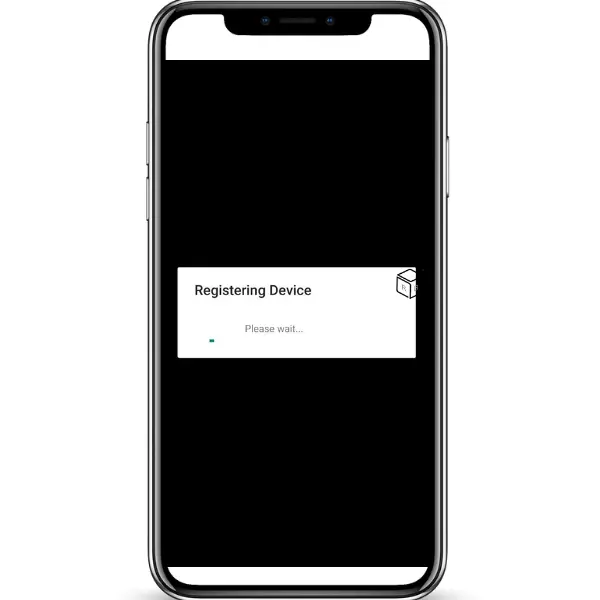
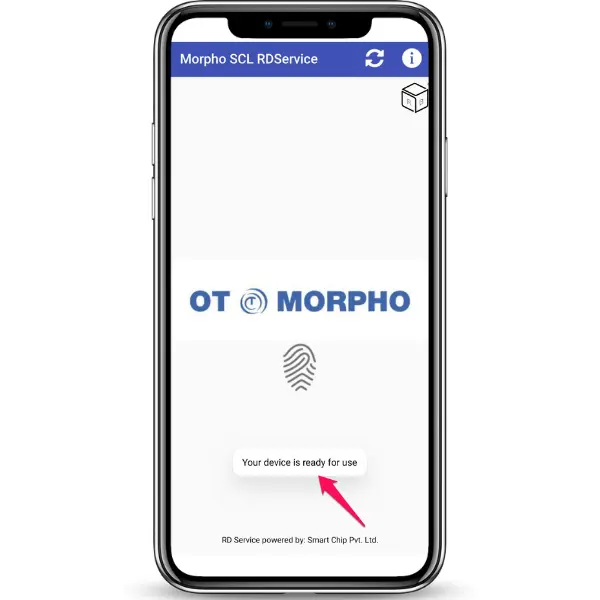
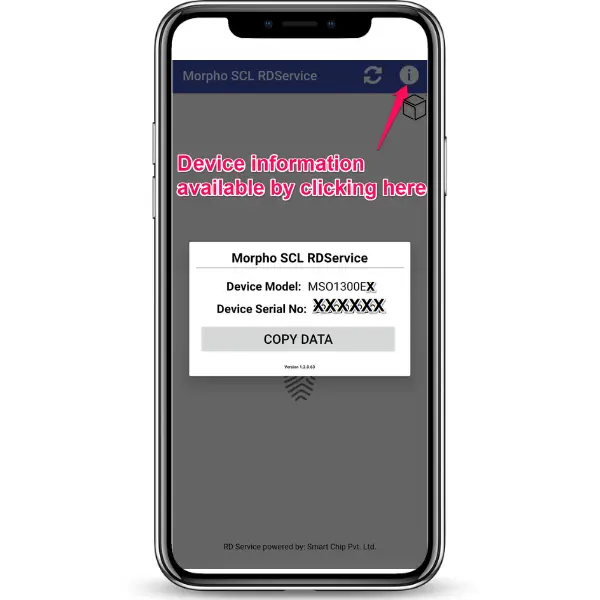
Download Morpho MSO 1300 E3 RD Service Windows 10 and above Supports Emitra, Spice Money, Aadhaar Portal, ekyc, and many more This compact biometric fingerprint authenticator protects from duplication. It supports a local host version 2.0.1.60 with extremely easy plug-and-play functionality. The service offers extremely fast and very easy installation without any preceding software setup. This can involve downloading the latest versions of Morpho drivers under Windows 10 and Android, with an improvement in the performance of systems. It will be one of the ideal ways approved by the states given the amount of applications having some kind of biometrics-related facilities. There will be adequate robustness in security factors but easy integration capabilities. Now it's the turn of enhancing your authentication methods using the latest Morpho drivers now!

MSO1300 E3 L0 Rd Service Windows (Banking)
MSO1300 E3 L0 Rd Service Windows (e-Mitra Service)
MSO1300 E3 L0 Rd Service Windows (Aadhaar)
MSO1300 E3 L1 Rd Service Windows (Banking)
MSO1300 E3 L1 Rd Service Windows (e-Mitra Service)
MSO1300 E3 L1 Rd Service Windows (Aadhaar)
Compatibility
Windows 10 / 11
32-bit & 64-bit

Android 7+
All major manufacturers
USB Connected
Plug & play support
UIDAI Ready
STQC certified device
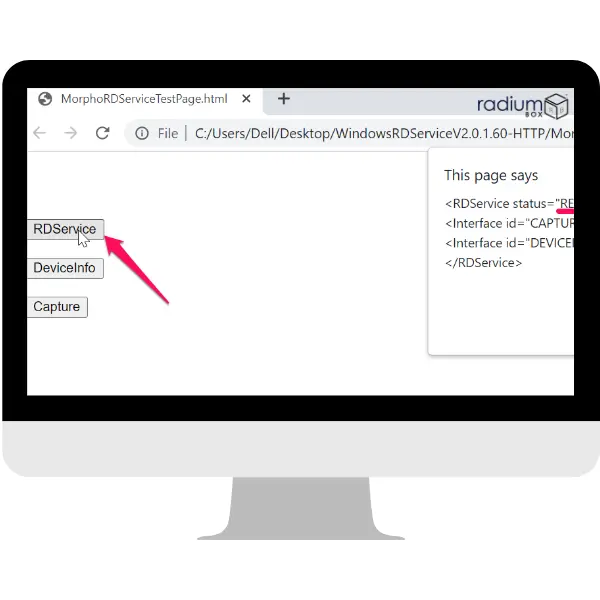
Download the Morpho RD Service for Windows 10 and Windows 11 supports various platforms such as Emitra, Spice Money, and Fino Bank. It is software that has maintained the smooth integration to be maintained with Aadhaar-based biometric checks in the transaction, while the HTTPS facility is permitted as well and this maintains safety.
With no compromise on fingerprint collection accuracy, Morpho MSO 1300 E brings mobility and affordability. These sleek USB sensors offer reliable enrollments, identity verification, and user identification for protecting information while offering match-on-device and match-on-card functionality for up to 1:10,000 users.
Built to function at the highest levels, the Morpho Smart 1300 Series is embedded with some of the highest levels of security features that exist today. This makes it an optimal government-approved biometric fingerprint reader for one-touch SIM activation among all the telecom operators in the nation. It comes with the "plug-and-play" feature, easy installation coupled with no hassle of creating a pre-software setting because the system will immediately recognize the application.
First, there is the Morpho RD L1 Service for Windows which downloading it comes along with free Morpho driver download Windows 10 and 11. Then the Morpho driver download for Android ensures you have an right access to services through your RD on your mobile phone device. The Morpho L1 device driver download installs the latest version which entails better security abilities more so than the previous one with the version name L0.
Download Morpho RD Service for Windows: Offers the latest versions of Morpho driver downloads for Windows 10 and Windows 11.
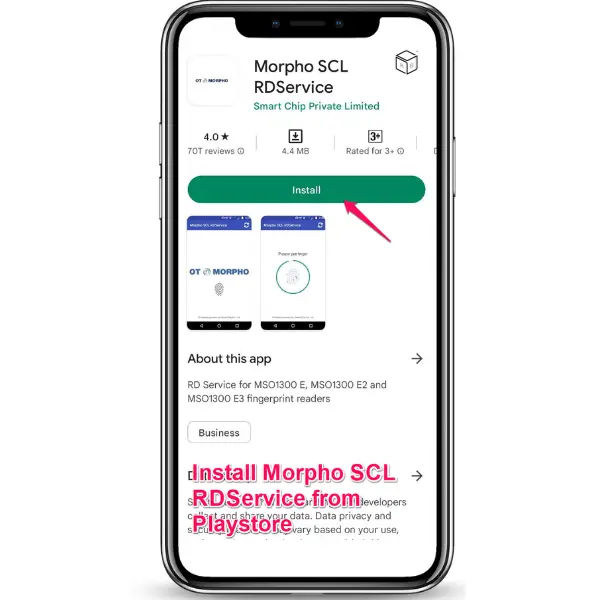
Morpho Driver Download Android- RD allows morpho driver download for android.
Latest Morpho L1 Device Driver: It has the latest security updates along with better performance.
Prerequisites for Windows:
Operating System: Windows 10 and above
Web Browsers: Chrome (minimum version 60), Mozilla Firefox (minimum version 56.0), Edge
Prerequisites for Android:
Operating System: Android 7.0 or higher
Compatibility: Supports Aadhaar authentication 2.0 and eKYC 2.1 APIs.
Functional Improvement: Enhanced security and fingerprint capture accuracy
Compatibility: Available for Windows 10/11 (64-bit & 32-bit) and Android
Firmware Verification: Ensures reliable firmware upon installation
Download latest Morpho drivers and unlock more biometric functionality with improved security with simple setup of the Morpho RD Service on all computers.
Important Notice: Most Morpho MSO1300 E3/E2 L0 device users are facing the "Invalid FPMI code under metatag" error while authenticating AADHAAR. This error shows that the Finger Print Combating Information (FPMI) code is invalid, wrongly formatted or not matching to the expected values in the Metatag field of the request. This is caused by data transmission issues or an outdated device compatibility. As per the guidelines of UIDAI, L0 devices are sunsetted as on official notification and users need to upgrade now to L1 compatible devices to provide ongoing Aadhaar Authentication Support. To avoid any discontinuation in service, we suggest upgrading to Morpho MSO1300 E3 L1 device. You can purchase the latest Morpho L1 device from www.radiumbox.com at the lowest price with free installation support.